重新编译XLua源码
post by:追风剑情 2019-1-31 21:15
一、确定电脑安装了CMake
二、下载XLua源码
https://github.com/Tencent/xLua
三、重新编译对应平台的xlua
windows平台: make_win64_lua53.bat
修改下这个批处理
mkdir build64 & pushd build64
rem cmake -G "Visual Studio 14 2015 Win64" ..
rem 改成自己电脑上安装的VS版本
cmake -G "Visual Studio 15 2017 Win64" ..
IF %ERRORLEVEL% NEQ 0 cmake -G "Visual Studio 15 2017 Win64" ..
popd
cmake --build build64 --config Release
md plugin_lua53\Plugins\x86_64
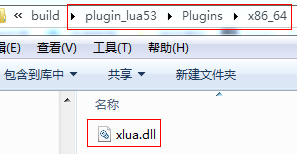
copy /Y build64\Release\xlua.dll plugin_lua53\Plugins\x86_64\xlua.dll
pause
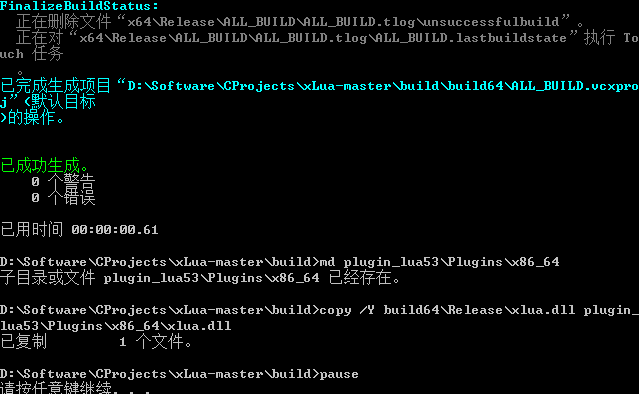
双击运行
评论:
发表评论: