3D Text
post by:追风剑情 2016-3-29 10:14
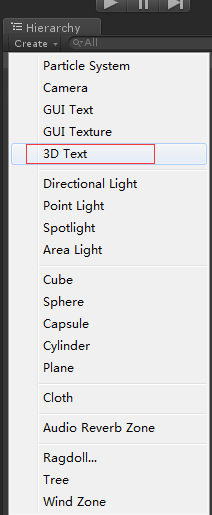
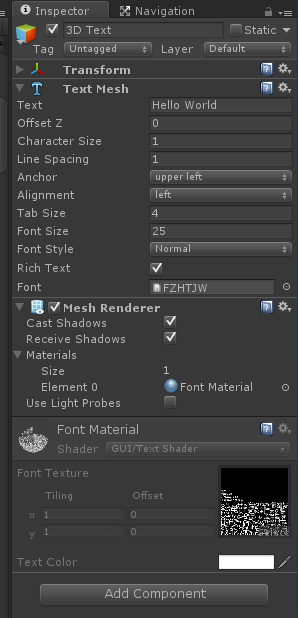
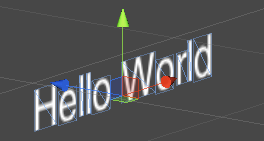
解决3D Text总显示在最上面问题
转载 https://blog.csdn.net/sarsscofy/article/details/85090002
一、导入字体文件
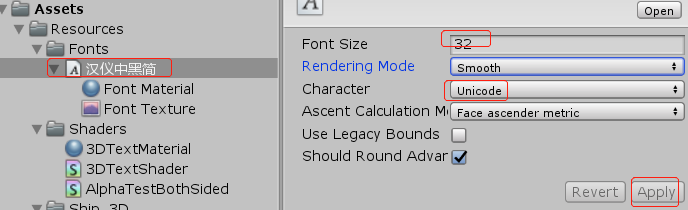
Font Size改大点字迹会更清晰。
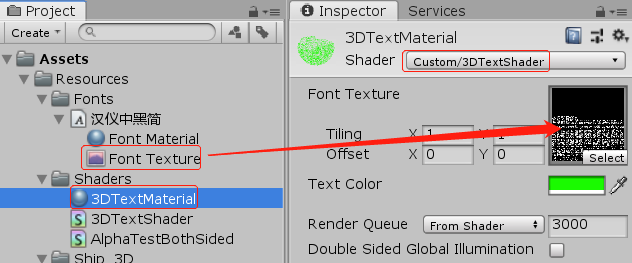
二、创建3DTextShader和3DTextMaterial
Shader "Custom/3DTextShader" {
	Properties{
		_MainTex("Font Texture", 2D) = "white" {}
		_Color("Text Color", Color) = (1,1,1,1)
	}


	SubShader{
		Tags{ "Queue" = "Transparent" "IgnoreProjector" = "True" "RenderType" = "Transparent" }
		Lighting Off Cull Off ZWrite On Fog { Mode Off }
		Blend SrcAlpha OneMinusSrcAlpha
		Pass {
			Color[_Color]
			SetTexture[_MainTex] {
				combine primary, texture * primary
			}
		}
	}
}
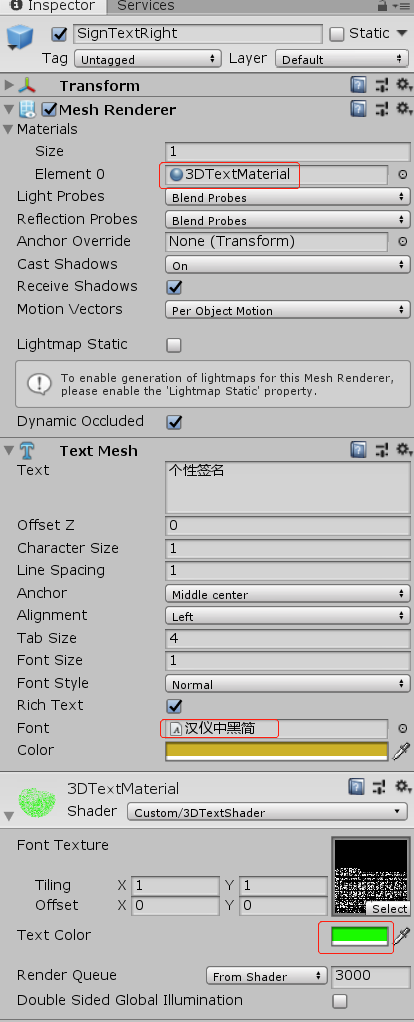
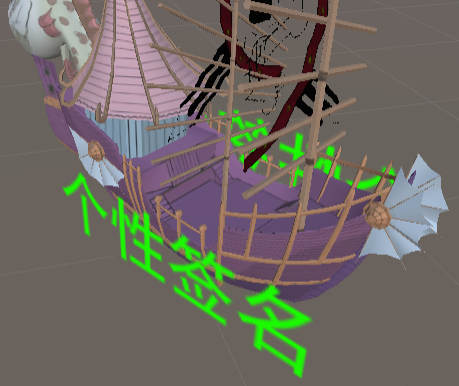
三、测试
评论:
发表评论: