UGUI—头顶飘字
post by:追风剑情 2021-11-29 15:26
一、工程截图
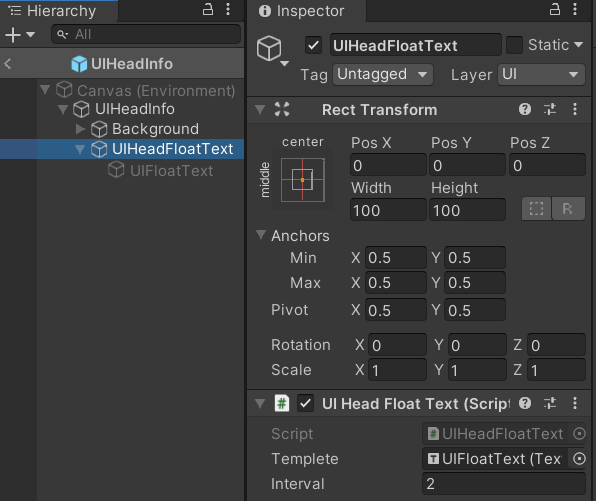
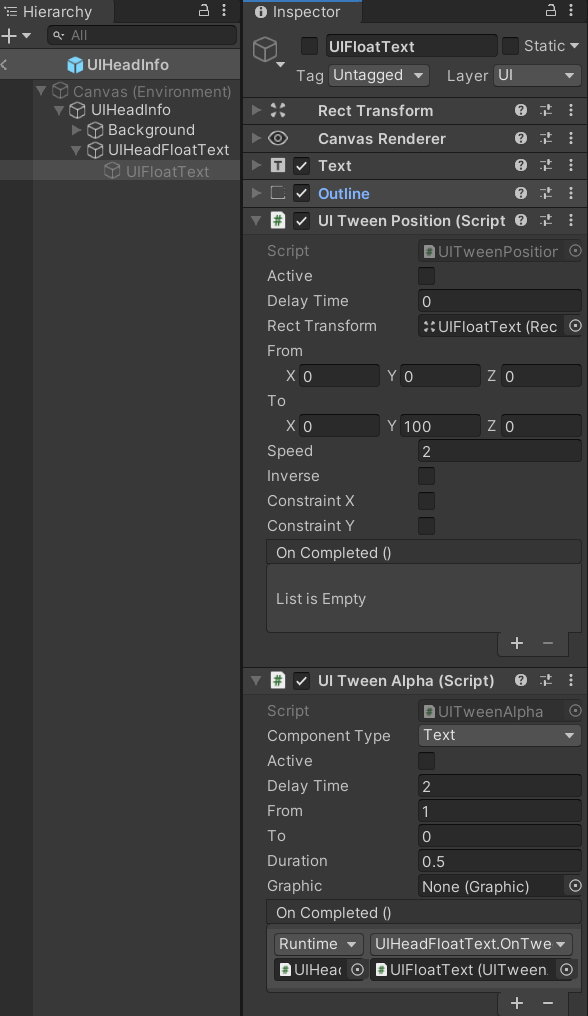
二、代码
using System.Collections.Generic;
using UnityEngine;
using UnityEngine.UI;
/// <summary>
/// 头顶浮动文本
/// </summary>
public class UIHeadFloatText : MonoBehaviour
{
    [SerializeField]
    private Text templete;
     [SerializeField]
    private float interval = 2f;
    private Queue<Text> pool = new Queue<Text>();
    private Queue<FloatText> msgQueue = new Queue<FloatText>();
    private float t;

    private void Update()
    {
        if (msgQueue.Count == 0 || Time.time - t < interval)
            return;
        t = Time.time;
        var msg = msgQueue.Dequeue();
        Text text = CreateFloatText();
        text.text = msg.text;
        text.color = msg.color;
    }

    private Text CreateFloatText()
    {
        Text text;
        UITweenPosition tweenPos;
        UITweenAlpha tweenAlpha;
        if (pool.Count > 0)
        {
            text = pool.Dequeue();
        }
        else
        {
            text = Instantiate<Text>(templete);
            text.transform.SetParent(transform);
            text.transform.localPosition = Vector3.zero;
            text.transform.localRotation = Quaternion.identity;
            text.transform.localScale = Vector3.one;
        }
        tweenAlpha = text.gameObject.GetComponent<UITweenAlpha>();
        tweenPos = text.gameObject.GetComponent<UITweenPosition>();
        text.gameObject.SetActive(true);
        tweenPos.Reset();
        tweenAlpha.Reset();
        tweenPos.Play();
        tweenAlpha.Play();
        return text;
    }

    public void OnTweenAlphaCompleted(UITweenAlpha tween)
    {
        pool.Enqueue(tween.GetComponent<Text>());
    }

    public void Add(string text, Color color)
    {
        FloatText msg = new FloatText();
        msg.text = text;
        msg.color = color;
        msgQueue.Enqueue(msg);
    }

    private void OnDestroy()
    {
        msgQueue.Clear();
        pool.Clear();
    }

    public class FloatText
    {
        public string text;
        public Color color;
    }
}
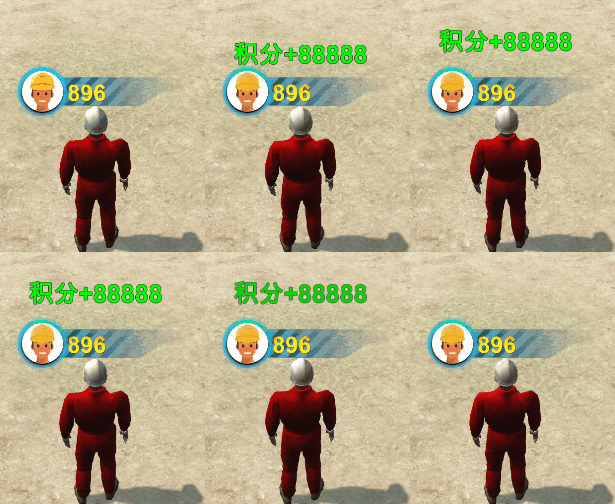
效果
评论:
发表评论: